
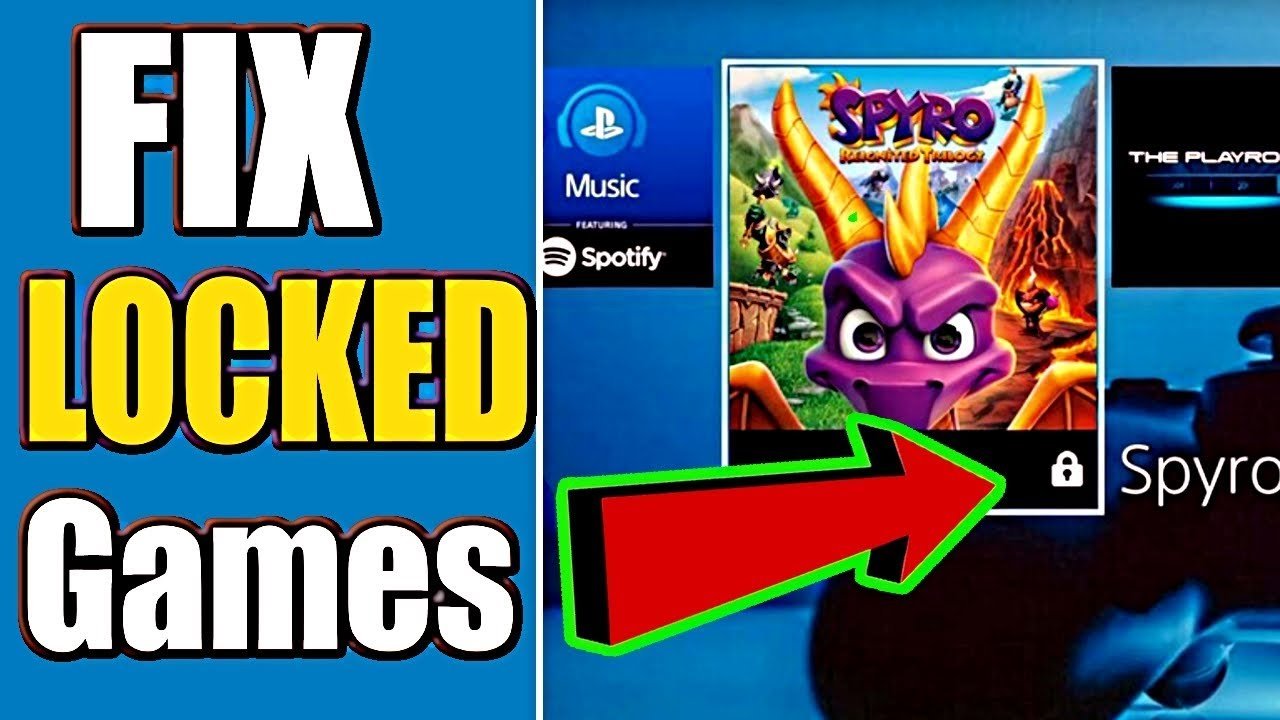
Your games are locked on PS4 likely due to licensing issues, such as an expired PlayStation Plus subscription, content sharing restrictions, or the game not being purchased with the account you’re using.
Ever found yourself staring at a game icon with a little padlock on it? It’s frustrating, right? You’re ready to play, but your PS4 games are locked. Many people ask “why are my games locked on ps4” and it can happen for different reasons. Let’s explore common causes to get you back into your game.
Sometimes, it’s an easy fix, like a subscription lapse. Other times, the solution might involve a bit more digging into your account settings. It’s important to understand these issues to prevent future lockouts. We’ll go through some solutions you can try.

Why Are My Games Locked on PS4?
It’s super frustrating, right? You’re all set to dive into your favorite PlayStation 4 game, only to find it’s locked. That little padlock icon can be a real buzzkill. But don’t worry, you’re not alone, and there are usually easy fixes. Let’s explore all the reasons why your games might be locked on your PS4 and what you can do about it. We’ll go through each issue step-by-step, so you can get back to playing in no time! Understanding the common culprits behind locked games is the first step to solving the problem. So, let’s get started and look into the possible causes.
Digital Game Locks: Understanding the Basics
Digital games are super convenient. You buy them online, download them, and boom – you’re playing. But sometimes, things don’t go as planned. The most common reason for digital game locks is related to PlayStation Network (PSN) account issues and licensing.
Primary Account Issues:
Think of your PS4 like a house, and your PSN account as the key. When you buy a digital game, it’s linked to the account that made the purchase. Only the primary account on a PS4 can access games purchased on that account without needing the internet. This is important when you have multiple accounts on your PlayStation 4 or use it in different locations.
- What is a Primary PS4? A Primary PS4 is the one you’ve designated as the main console for your account. When you set a console as primary, all users on that console can play the games that were bought on the account that made the console the primary one, it allows other users on that console to play the games even if they aren’t logged into that specific account.
- How to Check Your Primary PS4: Head to Settings > Account Management > Activate as Your Primary PS4. There, you’ll see if it’s activated or not. If it’s not activated, this could be the reason behind your game lock.
Game Licenses and the PlayStation Network
Your digital games are like a special pass. They’re linked to your PSN account. If your console can’t connect to the PSN or if your license is not properly registered or if there are issues with your account authentication process, then it’s very likely your game will remain locked. Think of it like the store needing to confirm your pass before letting you in.
- Internet Connection Required: Sometimes, you need an internet connection to play your downloaded games, even if you don’t plan on playing online. This is so that the console can check the game license status with the PSN.
- Account Syncing: Your PSN account needs to be synced properly with your PS4 to verify your licenses. If there’s a glitch, or if the system cannot verify your account status, the games may get locked.
Physical Game Locks: Disc-Related Problems
Physical game copies, good old discs, can sometimes cause locking problems too. These issues are often different from the digital ones.
Disc Issues: Scratches and Damage
Scratches can make it tough for your PS4 to read the disc correctly. Even a small scratch can make your game seem like it’s locked or not working. Make sure to handle your game discs carefully. Here’s a breakdown of what can go wrong:
- Minor Scratches: The disc might skip, freeze, or have trouble loading. Sometimes, the game may get locked.
- Major Scratches: The disc may not even read at all. If the system can’t read any data on the disc, it will definitely consider the game to be locked.
- Dirt and Fingerprints: Smudges and dirt on the disc can also cause the PS4 to not read it properly.
Drive Problems on the Console
The PS4’s disc drive has a small laser that reads the game information. Sometimes, the drive itself can have problems, making it hard to read discs properly.
- Dust: Dust can get into the disc drive and can interfere with the laser reading capabilities.
- Old Disc Drive: Over time, the laser in the disc drive can get weak, which makes it harder for the system to read any kind of disc.
- Mechanical Issues: Some internal mechanical issues could also be the root cause of the disc drive problem, that might lead to your game being considered locked.
Subscription and DLC Problems
Sometimes, the reason for the locked games is not the game itself, but related to your PlayStation subscription and Downloadable Content (DLC) related issues.
PlayStation Plus and Subscription Expiry
Some games you get through PlayStation Plus are only playable while your subscription is active. If your subscription expires, you will lose access to those games, and they’ll show as locked until the subscription is renewed. Think of them as games you “borrow” from the PS Plus service.
- Monthly Games: The free games you get each month with your PS Plus subscription are only available when you’re subscribed.
- PlayStation Plus Collection: On PS5, the PlayStation Plus Collection also has games that can only be played while you are an active subscriber.
- Inactive Subscription: Always check your subscription status to ensure your games are accessible. If your subscription isn’t active, you’ll need to renew it to continue playing.
Downloadable Content (DLC) Locks
DLCs are extra content for your games. If you have DLC that has a lock symbol, it can be because:
- License Issues: The DLC needs a valid license just like the base game. The PSN needs to verify if you’ve legitimately purchased and registered that particular content.
- Wrong Account: If the DLC was purchased on a different account than the one you’re currently using, it may be locked. Always make sure the DLC belongs to the same account as the main game.
- Game Region Mismatch: If you buy a disc from a different region, the DLC from your region may not work with it and it can appear locked. Disc and DLCs should be from the same region.
Family Management and Parental Controls
If you share your PS4 with younger players, family management settings and parental controls might also contribute to locked games.
Content Restrictions
Parental controls allow you to set restrictions based on age. If a game is rated higher than the restriction level set for the profile being used, that game may appear locked.
- Game Ratings: Games have different age ratings (like E for Everyone or M for Mature). If a game’s rating is above the limit, it will be locked for profiles with age restrictions.
- Custom Restrictions: Custom restrictions can also block access to specific content or games. Check the settings to see if restrictions are causing your games to lock up.
Time Limits
Time limits can also lock games. If the user has already used up the allotted time for that day, the games may get locked until the next day or the time restrictions are lifted.
- Play Time Restrictions: PS4 has options to set daily play time limits for accounts. When the time limit is over, games may get locked.
- Time Zones: Make sure that the time zone on your console is correct. This can sometimes impact how the play-time limits function.
System Errors and Software Glitches
Sometimes, the problems aren’t with your game or account, but with the PS4 itself. System errors and software glitches can also lock your games, but these issues can usually be fixed quickly.
Software and System Updates
Keeping your PS4 software up to date is super important for smooth play. Outdated system software may have bugs or conflicts that cause games to lock.
- Outdated Software: If your system software is not up to date, games may not run correctly and will sometimes get locked. Always make sure your PS4 has the latest software version.
- Corrupted Updates: If the update process encounters errors or the download process fails, then that can cause the games to appear as locked.
Hard Drive Issues
Your PS4’s hard drive stores game data. If it’s having problems, it may not be able to load games properly, resulting in the game being locked.
- Data Corruption: If the system is shut down incorrectly or if the system encounters an unexpected power outage, it may result in data corruption. Corrupted game data can cause a game to remain locked.
- Full Hard Drive: A full hard drive can also make games not work correctly. Make sure you have enough free space for games to run properly.
Troubleshooting: How to Fix Locked Games
Now, let’s discuss how to solve these locking issues. We’ll cover each type of problem we’ve talked about earlier.
Solutions for Digital Game Locks
- Activate Your PS4 as Primary: Go to Settings > Account Management > Activate as Your Primary PS4 and make sure your PS4 is the primary one for the account that bought the game.
- Restore Licenses: Go to Settings > Account Management > Restore Licenses. This will help the PS4 verify the licenses of your games, and this is usually one of the easiest and most effective methods.
- Check Internet Connection: Make sure your PS4 is connected to the internet. Sometimes, it is simply a disconnection issue that can be easily fixed.
- Sign In and Out: Sometimes, signing out of your PSN account and back in can fix the problem. It can help re-sync your licenses.
Solutions for Physical Game Locks
- Clean the Disc: Gently clean the disc with a soft, clean cloth, wiping from the center to the outer edge. Avoid circular motions.
- Inspect for Scratches: If the disc has severe scratches, you may need to get it resurfaced or buy a new copy of the game.
- Check the Disc Drive: If you think it is the drive that is causing issues, try other discs to see if those discs work.
Solutions for Subscription and DLC Locks
- Renew PlayStation Plus: If the locked game was free through PlayStation Plus, make sure your subscription is still active, and renew if it has expired.
- Check DLC Account: Make sure the DLC is linked to the same PSN account as the base game.
- Verify Game Regions: If you bought a disc from a different region, make sure the DLC is from the same region.
Solutions for Family Management Locks
- Adjust Content Restrictions: Go into the Family Management settings and adjust the content restrictions to allow access to the desired games.
- Check Time Limits: Adjust play-time limits or wait until the next day to play the game if the limit is over.
Solutions for System and Software Issues
- Update the PS4 Software: Always make sure that your system is updated to the latest available version. Go to Settings > System Software Update.
- Rebuild Database: Put the PS4 into safe mode, and then choose the option to Rebuild Database. This can help clear any corrupted game data and often fixes minor issues.
- Restart Your PS4: Sometimes, a simple restart can fix the issue. Turn off your console and turn it back on.
- Reinstall the Game: Uninstall the game, and re-download it. This will help with instances where the installation might have been corrupted or there were some files missing.
- Check the Hard Drive: Check to see if your hard drive has enough space and if not, remove some unnecessary games or files.
By understanding the reasons behind why your games may be locked, you can now use the appropriate methods to fix them. Remember, patience is key! If a problem persists, consider reaching out to PlayStation support for further assistance. Now that we’ve covered everything about locked games, you should be able to handle most scenarios!
Having games locked on your PS4 is a common frustration, but it doesn’t have to be a lasting problem. By understanding the various reasons, such as primary account settings, subscription status, disc issues, parental controls, and system errors, you can troubleshoot effectively. By using these methods you can ensure that you can get back to gaming, and experience everything the world of PS4 has to offer. Remember to always check your game discs and subscription status, ensure that you are using the primary account, and keep your PS4 updated. In most scenarios these simple solutions should resolve your issue, and help you get back to gaming as fast as possible.
How to Fix Locked Games on PS4! PS4 Unlock Games Easy Fix!
Final Thoughts
Ultimately, game locks on your PS4 often stem from licensing issues, account conflicts, or network problems. If a primary account is not set correctly, your games become inaccessible. Problems with PlayStation Network connectivity may also cause this. It is must to check these basics.
These are the main reasons explaining ‘why are my games locked on ps4’. Reviewing these common issues can guide you toward quick solutions. Keep your system updated to prevent future lockouts.

