
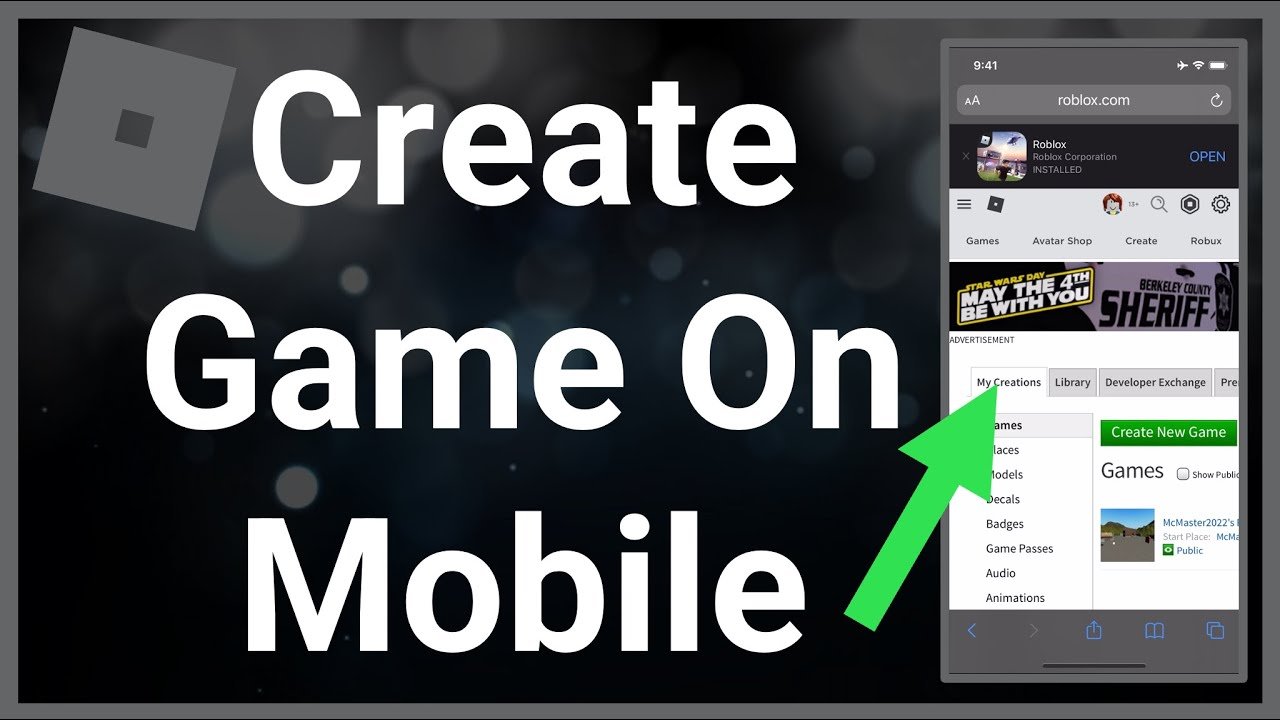
No, you cannot directly create a Roblox game on mobile. The Roblox Studio, used for game development, is only available on desktop computers.
Ever wondered if you can create a Roblox game on mobile? It’s a common question for aspiring game developers. The allure of building worlds and experiences on your phone is strong. Unfortunately, the answer isn’t as simple as launching an app.
While you can certainly play Roblox games on your mobile device, the creation process is different. The main tool for making games, Roblox Studio, requires a computer. This limits the development directly to desktop.

Can You Create a Roblox Game on Mobile?
Okay, so you’re super into Roblox and have some amazing game ideas swirling around in your head, right? You’re picturing awesome worlds, cool challenges, and tons of players having a blast. But you’re always on the go, and your main computer time is limited. You might be wondering if you can take your creativity and start building these amazing Roblox games using just your phone or tablet. That’s a fantastic question, and it deserves a proper answer. Let’s dive into the world of Roblox game development on mobile devices.
The Short Answer: It’s Complicated
The simple, quick answer is: no, you can’t create a full-fledged Roblox game directly on the mobile app like you might on your computer using Roblox Studio. The Roblox mobile app is mostly for playing games, discovering new experiences, and connecting with friends. It’s not a development tool like the computer-based Roblox Studio.
However, don’t get discouraged! While you can’t do all of the game development on mobile, there are aspects you can manage and ways to contribute to the game-making process using a mobile device. You just need to understand how the process works to use a combination of devices effectively.
What You Can’t Do on Mobile
Let’s start by clearing up the things that are off-limits when it comes to making Roblox games on your phone or tablet. These are some of the main limitations:
- Building and Terrain Editing: This is where the magic of world-creation happens! You use Roblox Studio to place blocks, sculpt mountains, create water bodies, and add those intricate details that make a game environment captivating. This requires a more powerful computer and isn’t possible on the app. Think of it like having a very precise set of tools that a phone just can’t support.
- Scripting with Lua: Roblox games come to life with code written in a language called Lua. It’s used to make things move, respond to player actions, and basically make the game interactive. You’ll need to use Roblox Studio on a computer to type out and test your Lua scripts because this requires a lot of screen space and advanced tools.
- Adding Assets and Models: While you can find models in the Roblox library on your phone, you can’t actually create them or import 3D assets directly with a mobile device. You need to use programs on a computer to make these assets, import them into Studio, and then use them in your game.
- Testing Your Games: While the mobile app is great for playing your game after it’s made, it’s not the place where you test changes you’re making to the game. Testing and debugging requires the Studio environment on a computer.
- Publishing Games: You can’t publish your games directly from your mobile app. You must use the Roblox studio on the computer to publish any games that you have created.
What You Can Do on Mobile
Okay, so it sounds like mobile is totally out, right? Not so fast! While you can’t do the core development work on mobile, there are still many things you can do to support your Roblox game development journey on the go:
- Brainstorming and Planning: This is something you can do anywhere! Use your phone’s notes app to jot down ideas for game mechanics, storylines, characters, and map layouts. A good plan is the first step to a great game.
- Reference Gathering: Use your phone or tablet to browse the internet for game design inspiration, gather image or video references, and even research cool sound effects. The internet is a treasure trove of information that can help in your development.
- Testing and Feedback: Once your game is created on a computer, you can use the mobile app to play it and give feedback. This is super valuable for making changes and improvements. You could even ask friends to playtest and give their opinions!
- Managing Your Account: You can use the app to keep track of your Roblox account, check your messages, and keep up with your Roblox groups.
- Collaborating with Others: You can stay in touch with other people on your Roblox team and coordinate development tasks through the messaging functionality in the Roblox app.
- Exploring Other Roblox Games: Playing other Roblox games on your mobile is the best way to understand what works well and learn what types of games interest people. Also, it is a really fun way to spend your time.
Understanding the Roblox Development Process
To fully grasp how mobile can help, let’s briefly go over how Roblox game development usually unfolds. Think of it as a mini-project that has different stages:
Phase 1: Idea Generation and Planning
This stage is where it all starts. It’s the time for dreaming up your game’s core concepts, like the type of game it will be, the challenges, and the goal for the players. You might ask yourself:
- What type of game will it be (adventure, simulation, puzzle, etc.)?
- What’s the unique twist that will make your game special?
- What are the key elements and features?
- How does the player win or progress?
You can absolutely use your phone or tablet to jot down these ideas, sketch out maps, or create mood boards using online image collections. Mobile is a great tool for this part of the process.
Phase 2: Building the Game World
This is where Roblox Studio comes into play. You use tools within the studio to create the game’s environment, making the places where players can move, the roads they follow and the buildings that surround them. This is primarily done on a computer, where you can easily build the game in 3D.
Phase 3: Adding Interactivity and Functionality
Next, you write code to make your game interactive using the Lua language in Roblox Studio. This process brings your game’s world to life by allowing the players to interact with their surroundings. This phase is also primarily done on a computer.
Phase 4: Testing and Refinement
After building, you thoroughly test your game to see if it works correctly, fix errors, and balance the gameplay. Here, you will try and test the game on your computer. Once ready, you can bring in others and have them play the game on their devices, including mobile devices. It’s important to gather feedback and make changes for the best player experience.
Phase 5: Publishing and Sharing
Once you are happy with your game, it is time to publish it to the Roblox platform for other players to enjoy. To publish a game, you need to use the Roblox Studio on your computer. After you publish, people on any device, including mobile, will be able to enjoy your game.
Making the Most of Your Mobile Device
So, while your mobile device isn’t the main tool for building a Roblox game, it can be your best friend in all other areas of the development process. Here are some ways you can maximize your mobile time:
Use Cloud Storage
Use cloud storage like Google Drive or Dropbox to store your game ideas, notes, images, and sketches. This will make sure your plans are accessible from both your mobile device and your computer when you’re ready to work on Roblox Studio.
Collaborate Effectively
Use the messaging features in the Roblox app, along with other messaging apps like Discord or WhatsApp, to stay connected with your team. Communicate your ideas and make sure everyone is on the same page.
Document Everything
Use your phone to take pictures of inspiration, record voice memos of ideas, and create to-do lists. You could even take photos of physical items that inspire you. The goal is to keep track of everything that might add something to your game.
Stay Inspired
Browse different game styles and art styles on the internet using your mobile device. Look at how other developers make their games, and learn new techniques. Then try to integrate these into your game in new and exciting ways.
The Future of Mobile Game Development
Technology keeps changing, and who knows what the future will hold for Roblox? Maybe one day, we will have the tools to create entire Roblox games on our phones. For now, it’s best to think of your mobile device as a super-powered assistant in the game development process, rather than the tool that does everything.
The Importance of Computer for Roblox Development
It’s true that you can do some very cool things to support Roblox game creation on mobile. However, for now, it is still impossible to create a proper Roblox game without access to a computer. The Roblox Studio is only available for computers, and it is where all the main game building takes place.
If you are truly passionate about building Roblox games, then having a computer is a critical requirement. Even a basic laptop that can run Roblox Studio will be enough to make your ideas come to life. The computer will be the most important part of your game creation process.
In conclusion, you absolutely can contribute to creating a Roblox game using your mobile device, even if you cannot do the core building and scripting tasks. Your mobile device can be a powerful tool for idea generation, research, collaboration, testing, and gathering feedback. While you still need a computer and Roblox Studio to fully develop your games, mobile is a valuable addition to the entire development process. With some smart planning and organization, you can absolutely be working on and thinking about your next awesome Roblox game, even when you’re away from your computer. So go ahead and use your mobile device to start thinking, dreaming, and making plans for your amazing games.
How To MAKE a ROBLOX GAME on MOBILE…
Final Thoughts
You cannot directly create a Roblox game on a mobile device. The full Roblox Studio, necessary for game development, is only available on PC or Mac. You can however, manage your existing games and access some basic features from the Roblox mobile app.
Therefore, while mobile allows you to play and interact with creations, it lacks the crucial tools. So, regarding the question, “can you create a roblox game on mobile,” the answer is definitively no. You must use a computer for the game creation process.

