
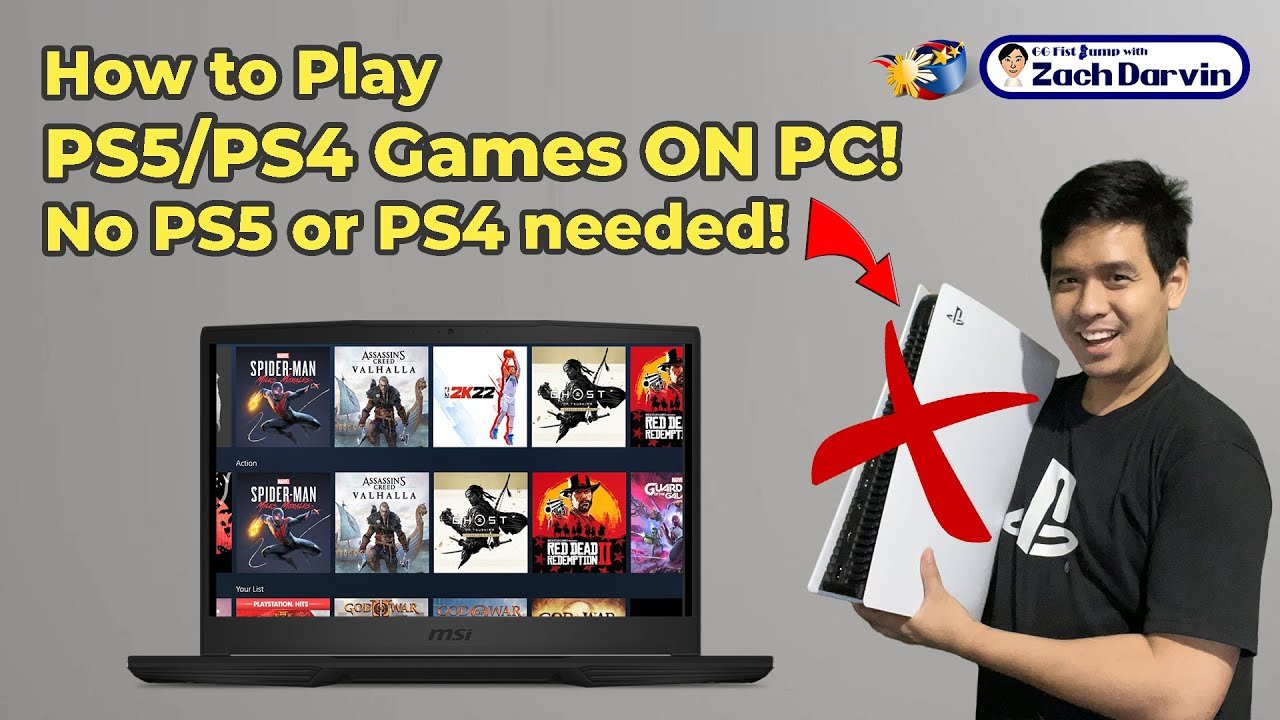
Currently, there is no legitimate method to directly play PS5 games on PC without owning a physical PlayStation 5 console.
Ever wondered how to play ps5 games on pc without console? It’s a question many gamers are asking. Unfortunately, there is no official way to directly accomplish this. While the idea of enjoying PS5 titles on your PC is tempting, there are technical limitations to consider. We are diving into the current realities of trying to play PS5 titles on your computer, exploring the options you might have.

How to Play PS5 Games on PC Without a Console
Ever dreamed of playing amazing PlayStation 5 games on your computer? Imagine enjoying titles like Spider-Man 2 or Horizon Forbidden West on your big monitor, using your familiar mouse and keyboard. Well, it might sound like magic, but it’s actually becoming more possible than ever before! While you can’t directly install PS5 games on your PC like you would a PC game, there are ways to get that PlayStation gaming experience without needing the console itself. Let’s explore the various paths you can take to make this gaming dream come true.
Understanding the Challenges
Before we dive into how, it’s important to understand why playing PS5 games directly on a PC is tricky. Think of it like this: PlayStation and PC are two different kinds of machines. They speak different languages. Games are coded specifically for one or the other. PS5 games are designed to run on the PS5’s specific hardware, the unique parts that make it work. Because of these special parts, a game made for PlayStation won’t just run on a standard PC. So, we need to find creative solutions that let us bridge that gap.
Cloud Gaming: The Streaming Solution
One of the most exciting ways to play PS5 games on your PC without a console is through cloud gaming. Think of it as watching a movie on Netflix, but instead of watching, you’re playing. The game runs on a powerful computer somewhere else, and you stream the video to your PC. Your controls are sent back to that computer in real-time, so it feels like you’re playing on your own machine. This means you don’t need a super-powerful PC, just a good internet connection.
PlayStation Plus Premium: Your Gateway to Cloud Gaming
The main way to experience this cloud gaming magic for PS5 titles is through PlayStation Plus Premium. This subscription is more than just online multiplayer; it gives you a huge library of games that you can stream. Many of these games are from the PS4 and PS5, with new ones being added all the time. Here’s what you’ll need:
- A PlayStation Plus Premium subscription: This is essential to access the cloud gaming library.
- A PC running Windows: The PlayStation Plus app is currently designed for Windows PCs.
- A reliable internet connection: Cloud gaming needs fast and stable internet to work well. We suggest you have download speeds of 15-20 Mbps or faster.
- A compatible game controller: While you can use keyboard and mouse in some games, a controller (like a DualSense) provides the best experience.
How To Set Up PlayStation Plus Premium On Your PC
Setting up your PC to play via the cloud is simple and straightforward:
- Download the PlayStation Plus app: You can get the app from the PlayStation website.
- Install the application: Once the application downloads, double click it to install.
- Sign in with your PlayStation account: The same account you use on your PlayStation console.
- Browse the game library: Once logged in, you can browse the many cloud gaming titles.
- Start playing: When you find a game you want, just click play and enjoy!
Cloud Gaming Performance
The best cloud gaming experience will be with a really good internet connection. If your internet isn’t very fast, your video may become blurry or you might experience lags. This can make gaming difficult. Think of it like a bad video call; everything will be a bit choppy and not smooth. So, when you’re planning to play, ensure that no one else is using your internet heavily. Don’t download big files while you are playing to get the best result. Here’s a simple table to give you a quick summary of what good internet would look like for PS5 gaming via streaming:
| Internet Speed | Gaming Experience |
|---|---|
| Below 10 Mbps | Not Recommended: Likely to experience severe lag and disconnections. |
| 10-15 Mbps | May work, but occasional lag and quality drops possible. |
| 15-25 Mbps | Good experience, generally smooth gameplay, may see occasional very minor drops. |
| 25 Mbps and above | Ideal: smooth, high-quality gaming with minimal lag. |
Remote Play: Mirror Your PS5 to Your PC
If you have a PS5 already, but you want to play on your PC, then Remote Play can be another awesome solution. Instead of streaming from the cloud, this method streams directly from your own PS5 to your PC. So, your PS5 is still running the game, but you’re seeing and controlling it on your computer. This is helpful for situations where you might not have easy access to your PS5 or if you want to play from another room in your house.
How Remote Play Works
Here’s the gist of how Remote Play makes playing on your PC possible:
- Your PS5 and PC need to be connected to the same network: You can either connect them over a WiFi connection or through Ethernet cables.
- You will be using an application: The Remote Play app streams from your console to your PC.
- The PS5 has to be turned on: Your PlayStation needs to be either fully on or in “rest mode” in order for it to stream to your PC.
Setting Up Remote Play
Getting set up to use the Remote Play feature is easy.
- Turn on your PS5: Make sure the PS5 is powered on and connected to your network.
- Download the PS Remote Play application: You can download the app from the PlayStation website.
- Install the application: Once downloaded, double click the app to begin the installation process.
- Sign in with your PlayStation account: Make sure you are signed in with the same account you use on your PS5.
- Connect to your PS5: The app will look for your PS5 on the same network.
- Start playing: Now you will be able to stream from your PlayStation to your computer screen.
Advantages of Remote Play
There are many advantages to using the Remote Play service, and some of them are:
- Lower latency if using the same network: Because the games are being streamed on the local network, the latency is usually lower than cloud streaming.
- No need to rely on internet speed for streaming: It does not matter as much what internet speed you have because you are streaming from your console that is also on the local network.
- Can still play your owned games: You will be able to stream any PS5 games you own, unlike the cloud streaming service where you only have access to a library of games.
Disadvantages of Remote Play
Although the Remote Play option is good, there are some disadvantages like:
- Needs a PS5 console: Unlike the cloud streaming service, this service requires you to own a PS5 console.
- Cannot play if your PS5 is not on: If your PlayStation is powered off or not connected to the network, you cannot use the Remote Play service.
- Can only play while on your local network: You cannot play using the Remote Play service when you are away from home, or on a different network.
Game Streaming Services and PC Ports: Other Avenues to Explore
While PlayStation Plus Premium and Remote Play are the main official ways to play PS5 games on PC without a console, the gaming landscape is constantly evolving. Other potential routes include:
Third-Party Cloud Gaming Services
There are other cloud gaming services out there that also have PS5 games you can stream to your PC, this can be through a subscription as well. However, many are still in development and might not have as many options as PlayStation Plus Premium. Always be sure to do some research before paying for any third-party service, ensuring that they are legitimate and offer the games you wish to play.
PC Ports of PS5 Games
More and more, PlayStation games are making their way to PC as official ports. This means the game is specifically designed to work on PC, and you can install it just like any other PC game. Examples of PlayStation games that have come to PC are Spider-Man Remastered, God of War, Horizon Zero Dawn, and Uncharted: Legacy of Thieves Collection. Keep an eye out for news on your favorite PlayStation games, because you might find out that they are coming to your PC. This is the best way to play PlayStation games on your PC because the game is built to use your PC’s hardware.
Emulators (Not Recommended)
While it is possible to try to play PS5 games through an emulator, this approach is extremely complicated, requires very powerful computer hardware, and isn’t always reliable. Emulators, in simple terms, try to pretend your PC is a PS5, but creating an emulator is difficult and often does not work well. It is recommended you stick to the official methods instead.
Using an emulator can also potentially break copyright laws, so it’s often a bad idea. Therefore, using official routes is the recommended way to play your favorite games, as this is the best way to get a working, and legal way to play your favourite titles.
Tips for Optimal Gaming
No matter which method you use, some tips can help you play as smoothly as possible:
- Make sure you have good internet: This can be through Wi-Fi or a wired connection, always make sure to choose a reliable option.
- Close background apps: Close all unneeded programs that are running in the background so that your system focuses on your game.
- Use a gaming controller: A good controller is a great way to get the best gaming experience.
- Update your drivers: Keeping your video card drivers and controller drivers up to date will give you the best performance.
That’s a wrap on how you can play PlayStation 5 games on your PC, without needing the actual console! Whether you choose cloud streaming, remote play, or a PC port of your favorite PlayStation titles, there are many ways for you to experience PlayStation games on your computer. Keep up with the latest news and updates and, most importantly, have fun!
How To Play PS5 Games On PC Anywhere – Full Guide
Final Thoughts
You can play PS5 games on PC without a console using cloud gaming services like PlayStation Plus Premium. These services let you play games remotely on your computer. This eliminates the need for a physical PlayStation console.
The main key is you require a stable internet connection and a subscription. Cloud gaming handles all the processing power. Thus, allowing you to play directly from the cloud.
Essentially, ‘how to play ps5 games on pc without console’ relies on cloud technology. It provides access to games without requiring PlayStation hardware.

