
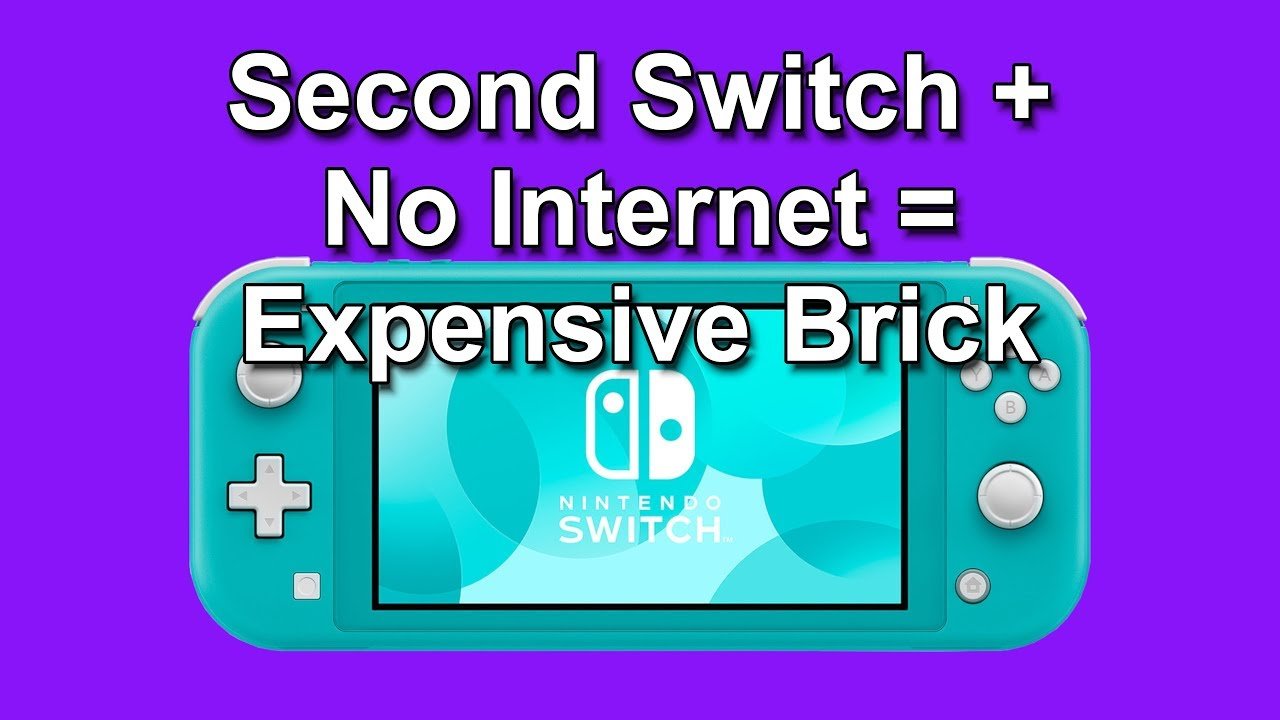
Some Nintendo Switch games require periodic online checks to verify game licenses, even for offline play, to combat piracy.
Ever found yourself ready for a gaming session, only to be greeted by a frustrating message? You’re not alone! Many players grapple with the question, “why cant i play switch games offline?”. It seems counterintuitive that a handheld console built for portability still faces online limitations.
It can be a real pain, especially when traveling or when the internet goes out. This article will help explain the reasons for this issue. We will explore why certain games unexpectedly need a connection.

Why Can’t I Play Switch Games Offline?
Have you ever been excited to play your favorite Nintendo Switch game, only to find it won’t work because you don’t have internet? It’s a bummer, right? It feels like your awesome portable console suddenly becomes a little less portable. So, let’s dig in and figure out why this happens and what’s going on with offline play on your Nintendo Switch.
Understanding the Digital vs. Physical Game Divide
First, we need to talk about how you get games for your Switch. There are two main ways: buying a physical game card (the little cartridge) or downloading a digital version from the Nintendo eShop. This difference is a huge key to the whole online/offline play puzzle.
Physical Game Cards: The Traditional Way
Physical games are what most of us think of when we picture video games. You buy a box, pop in the game card, and you’re ready to play. These games usually work offline without a problem. The game data is right there on the card itself. Think of it like a book; you don’t need the internet to read a book you already own. There are exceptions, like games that have big updates to download, but generally, once you’ve got that game card, you’re good to go, no Wi-Fi required!
Why are physical games generally offline-friendly?
- The game is stored directly on the game card.
- Once bought, it doesn’t require further authorization to play.
- Updates are usually separate and are only downloaded if you want them.
Digital Downloads: The Convenience of No Cards
Digital downloads are different. You buy the game online from the eShop and download it directly to your Switch’s memory (or a microSD card). This is super convenient, no going to the store or switching out cards! However, digital games rely on your Nintendo Account and sometimes Nintendo’s servers to make sure you actually own the game. That’s where the internet comes in.
The Digital Game Ownership Check
The most significant thing about digital games and offline play is that it needs Nintendo to verify that you have the right to play the game. It’s like renting a movie online; you need the provider to confirm you paid for it, even if it’s saved to your device. Nintendo periodically checks your digital licenses which requires an internet connection to do this. If it cannot do this check, your game will not start.
Also, there is another reason, some downloaded games require an ongoing internet connection to function. These are mostly online multiplayer games that connect to servers.
Why do digital games sometimes need an online check?
- To verify your purchase through your Nintendo Account.
- To prevent game sharing (and piracy).
- Some games need an internet connection for online features.
The Nintendo Account Factor
Your Nintendo Account is like your personal key to the Nintendo world. It keeps track of all your digital purchases, your save data, and your friends list. To play your digital games, your Nintendo Switch usually needs to be logged into your account, and this sometimes requires an internet connection.
Primary vs. Secondary Consoles: A Key Difference
Here’s where things can get a bit tricky. Nintendo has the concept of “primary” and “secondary” consoles. This matters a lot for offline play with digital games. Your primary console is the Switch that you use the most. This Switch usually can play all your downloaded games offline (after an initial check with the internet). If you have multiple switches, other consoles you’re logged into are considered “secondary” and these consoles needs an internet connection to start the game.
Primary Console Behavior
- Can usually play downloaded games offline.
- Has the most access to your digital library without constant online checks.
Secondary Console Behavior
- Requires internet to verify digital game ownership before each launch.
- If it cannot access the internet, you cannot play downloaded games.
How to check and change your primary console
You can only have one primary console at a time. To check which console is set as your primary, or to change the primary console, you can go into the Nintendo eShop. On your Nintendo Switch go to the eShop, select your user profile, and then you’ll see a settings option where you can view or modify the primary console settings.
The Mystery of “Always-Online” Games
Some games on the Switch, especially those designed around online multiplayer experiences, are built to be “always-online.” Even if you’re playing what seems like a solo campaign, these games often connect to a server in the background. These games will not work offline. The game is not on your console but on the server of the game. Many large multiplayer games operate this way.
Why are some games always-online?
- To sync game data and progression across devices
- For real-time multiplayer functionality
- To prevent cheating or modifying the game
- To provide regular updates or content additions.
Game Updates and Patches
Another aspect that forces you to get online is the need to update your game. Developers make constant improvements and add new features to games. This may fix bugs or add new levels or characters. These updates require an internet connection to download and install. While some games can still function without updating, you will miss new features and bug fixes and could possibly encounter more issues. A game needs the update to function on many occasions.
Why are game updates important?
- To fix bugs and glitches.
- To add new content, levels, and characters.
- To keep the game fair and balanced for all players.
Nintendo Switch Online and Its Impact
Nintendo Switch Online is a subscription service that gives you access to online multiplayer for certain games, as well as a library of classic NES and SNES games. Sometimes, to use the features of certain game it will require Nintendo Switch Online membership for the game to function. Therefore, it will need to be connected to the internet.
How does Nintendo Switch Online affect offline gameplay?
- If a game requires it for online play, then that game requires an internet check.
- It does not affect the offline play of many games.
- It provides access to cloud saves and other features that require online connectivity.
Temporary Offline Access for Digital Games
While it is frustrating when you have to be online, Nintendo has tried to make playing digital games easier for when you do not have an internet connection. As long as you’ve launched the game while connected to the internet on your primary console, you can usually play it offline for a certain amount of time without an internet check. This makes the system more portable and less stressful when you are on the go.
How long can you play digital games offline?
- It varies from game to game.
- It can last from hours to days, generally if the console is sleeping or in use, as long as you’re not trying to access other games.
- If you haven’t played in a long time, or have changed networks, you’ll probably need to connect online again for a check.
What Can You Do? Tips for Offline Play
Now that we understand why you can’t play certain games offline, let’s talk about some tips that will make it easier for you to play your Switch games when you are away from your Wi-Fi.
Tips for Easier Offline Access
- Set a primary console: make sure the Switch you mostly use is set as your primary console in your eShop account.
- Play online first: Whenever you get a new digital game, start it once while connected to the internet. This will make the system check and enable temporary offline play.
- Keep physical copies of games: When possible, purchasing the physical version of the game is best if you are someone who plays offline.
- Plan ahead: If you know you will be going offline, play your game on your primary console ahead of time.
- Keep your Switch charged: you may have your games working fine for offline play, but if you have a dead battery, the gameplay will come to an abrupt stop!
- Update when you have Wi-Fi: Keep all your game downloads up to date when you do have Wi-Fi available. This will avoid an update that will prevent you from playing a game.
- Research games: Check online reviews and forums to see if a game is known to be always online. This will help you pick games that suit your gameplay style.
In short, the reasons behind why you can’t play all Switch games offline are complicated, but they come down to how you own the game, how Nintendo checks that you own the game, and if the game needs a connection to the internet to work. It’s a mix of security, convenience, and the way certain games are built. By understanding these reasons, you can better plan your gaming sessions and avoid frustrating surprises. You are now better prepared for your next adventure, whether online or offline, with your Nintendo Switch.
How To Fix "Checking If Software Can Be Played" On Nintendo Switch (Switching Primary Console)
Final Thoughts
Ultimately, it boils down to digital rights management. Many games now require online checks to verify your purchase, even single-player titles. This can affect why cant i play switch games offline even when you think you own the game.
Furthermore, some titles integrate online features heavily. These features might be essential for game progression or certain modes. Therefore, playing them fully offline becomes impossible.

